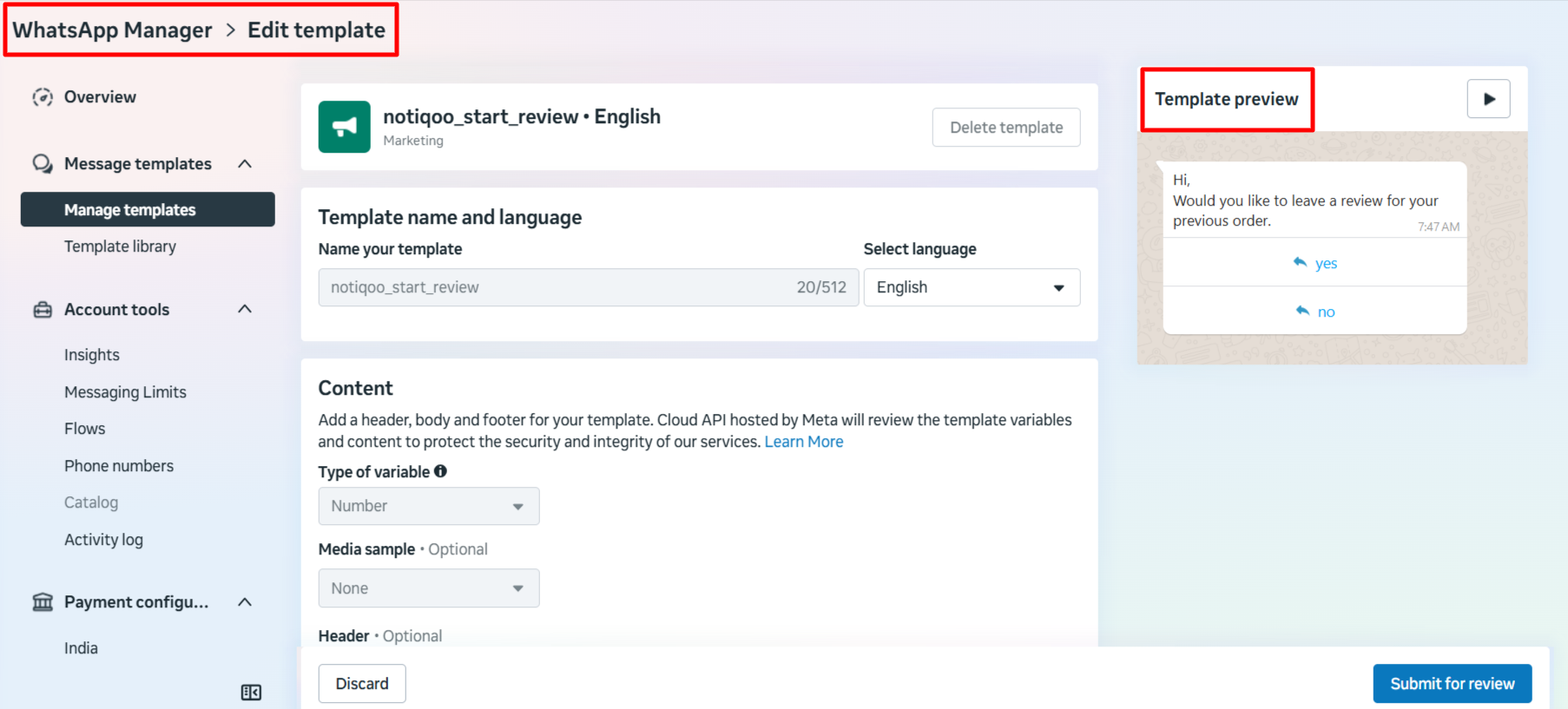
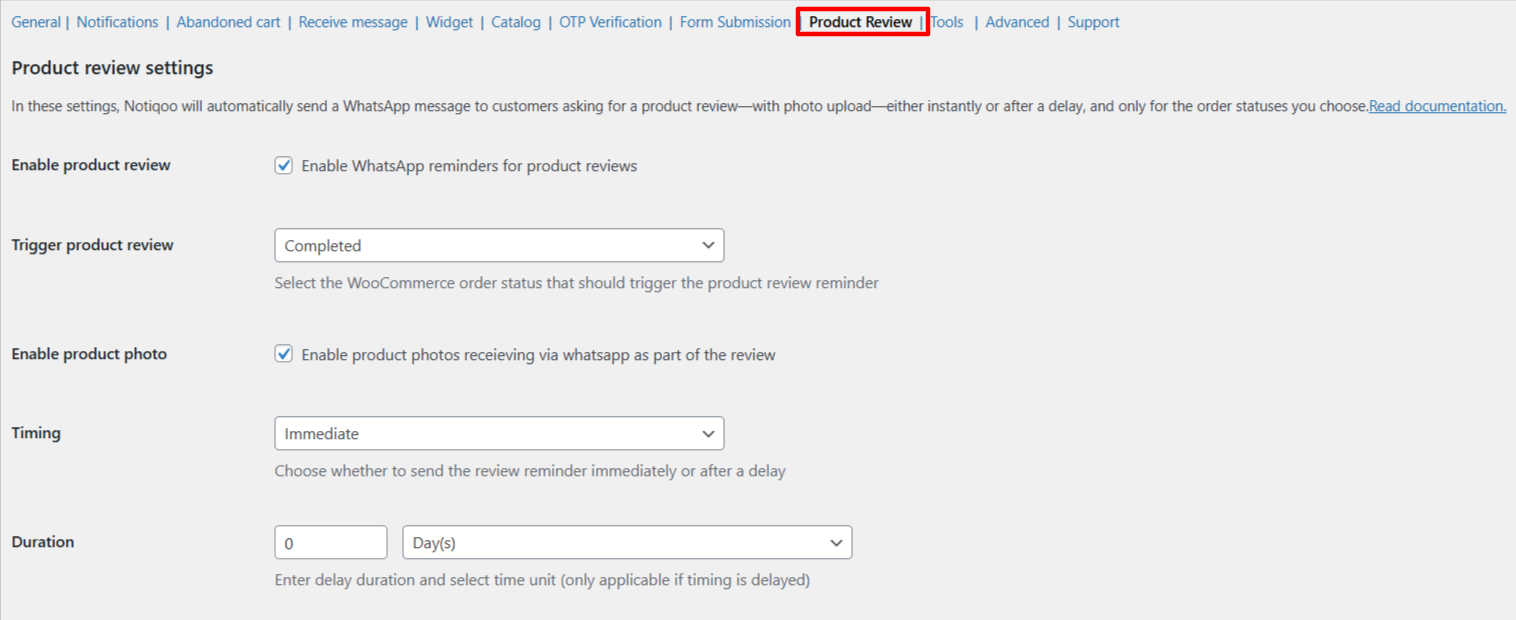
These settings let Notiqoo automatically send WhatsApp messages asking customers to review the products they purchased. Notiqoo also allows customers to upload product photos with their review.
- Review templates are created automatically by Notiqoo, so you don’t need to worry about how they are created.. You can view them under the Tools menu in Notiqoo settings.
Enable product review
Turn this ON to send WhatsApp reminders to customers asking for a product review.
Trigger product review
Choose the WooCommerce order status that should trigger the review message.
- Example: Completed
Enable product photo
Turn this ON to allow customers to send product photos through WhatsApp along with their review.
Timing
Select when the review reminder should be sent:
- Immediate – send the message right away
- Delayed – send the message after a chosen time period
Duration (for Delayed Timing)
Enter how long to wait before sending the reminder (e.g., 1 Day, 2 Hours).
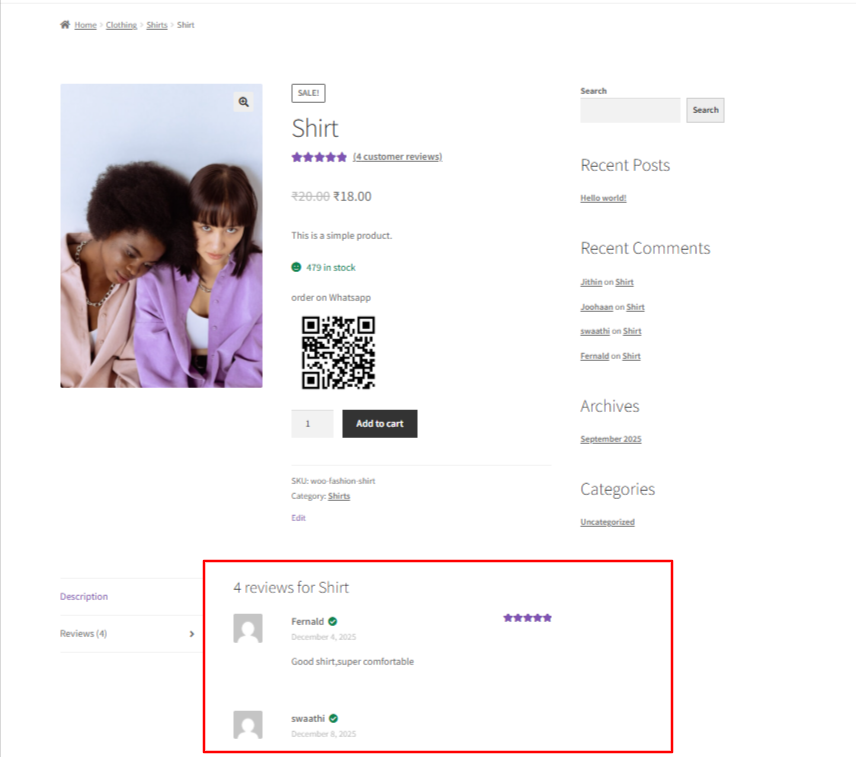
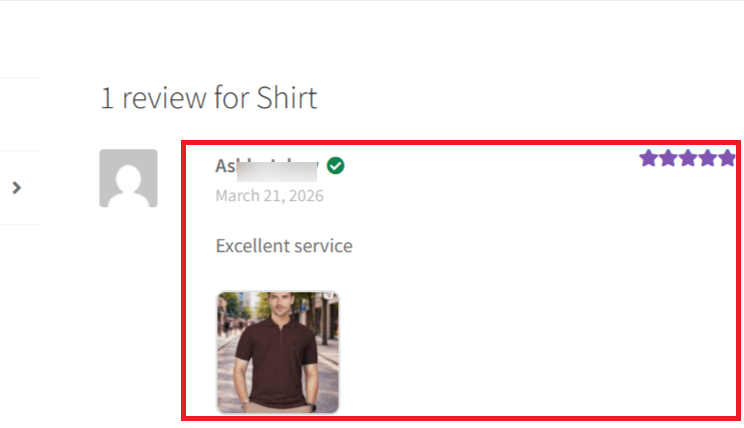
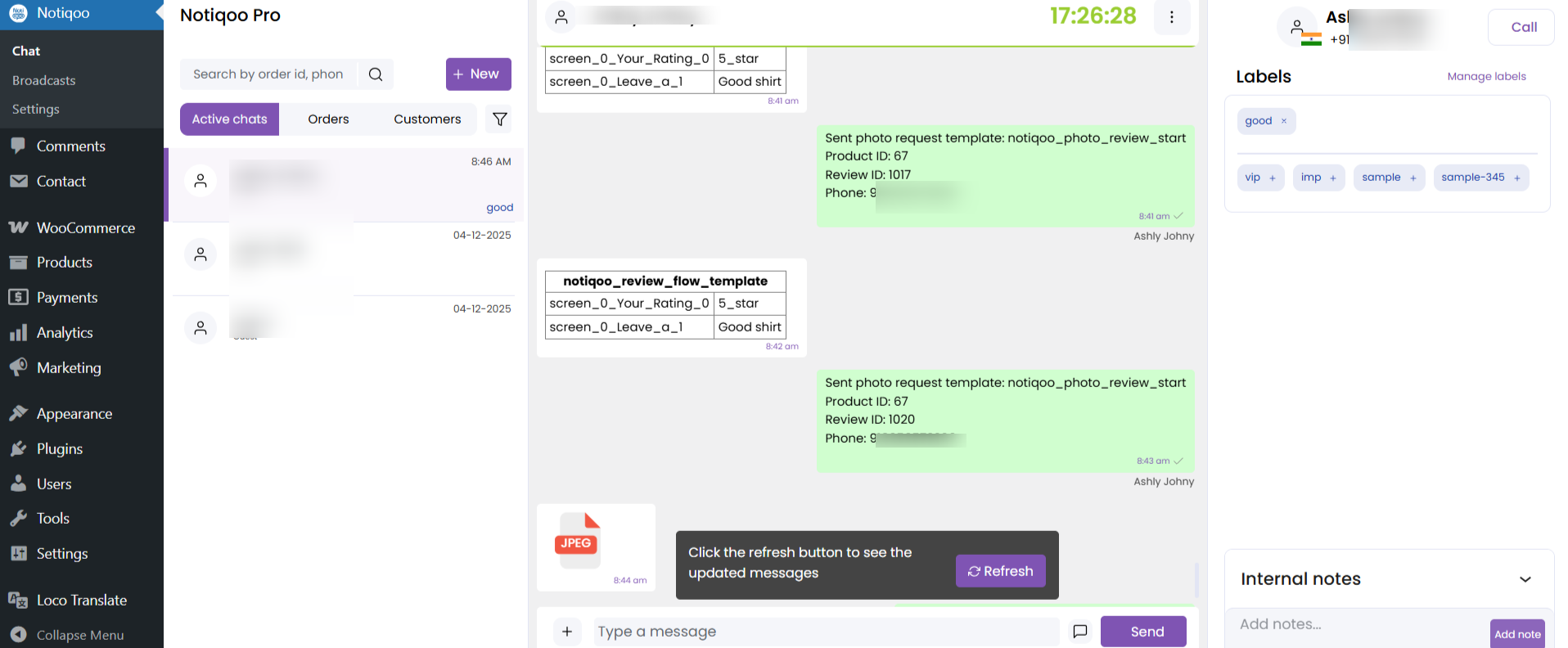
How It Looks on the User Side (User View)
This section helps users understand exactly how your feature appears and works on the customer side.
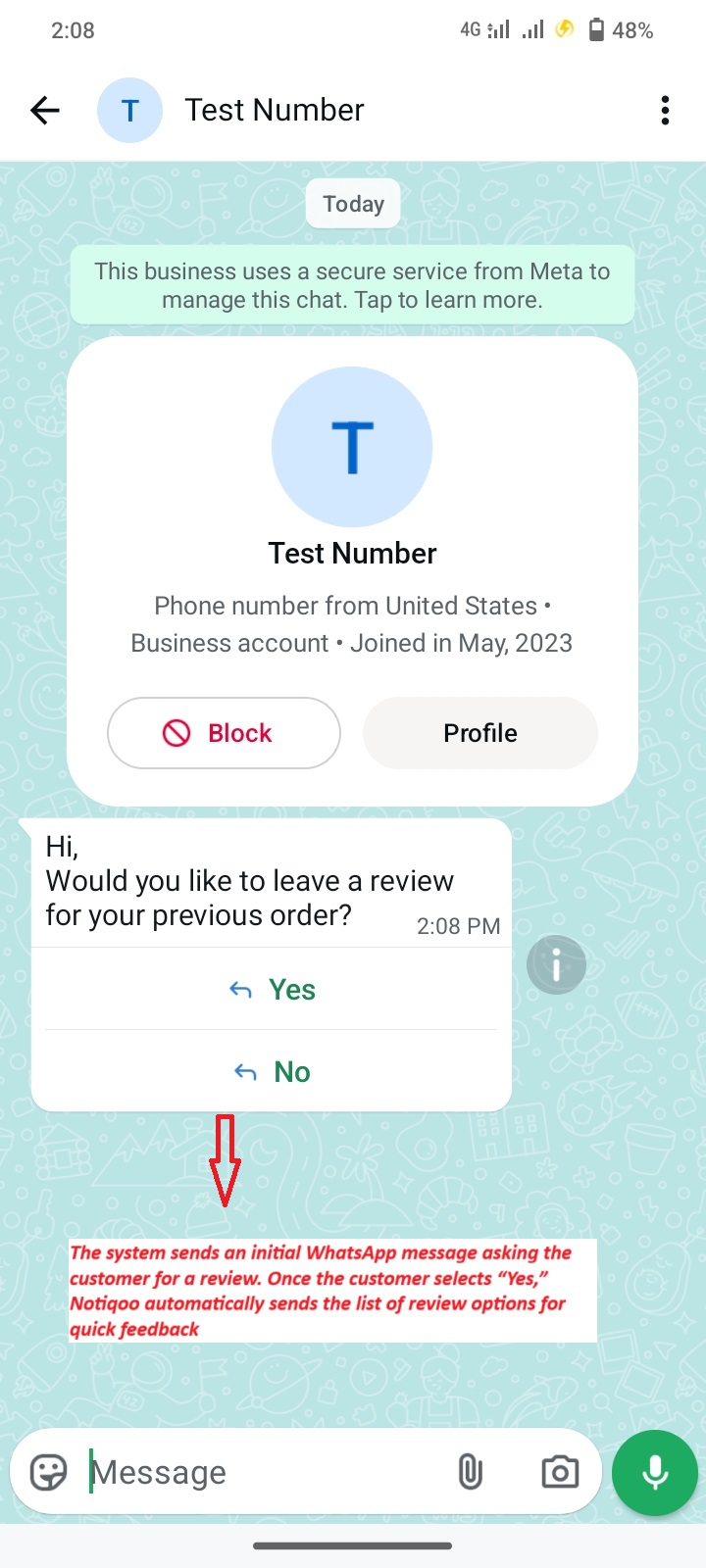
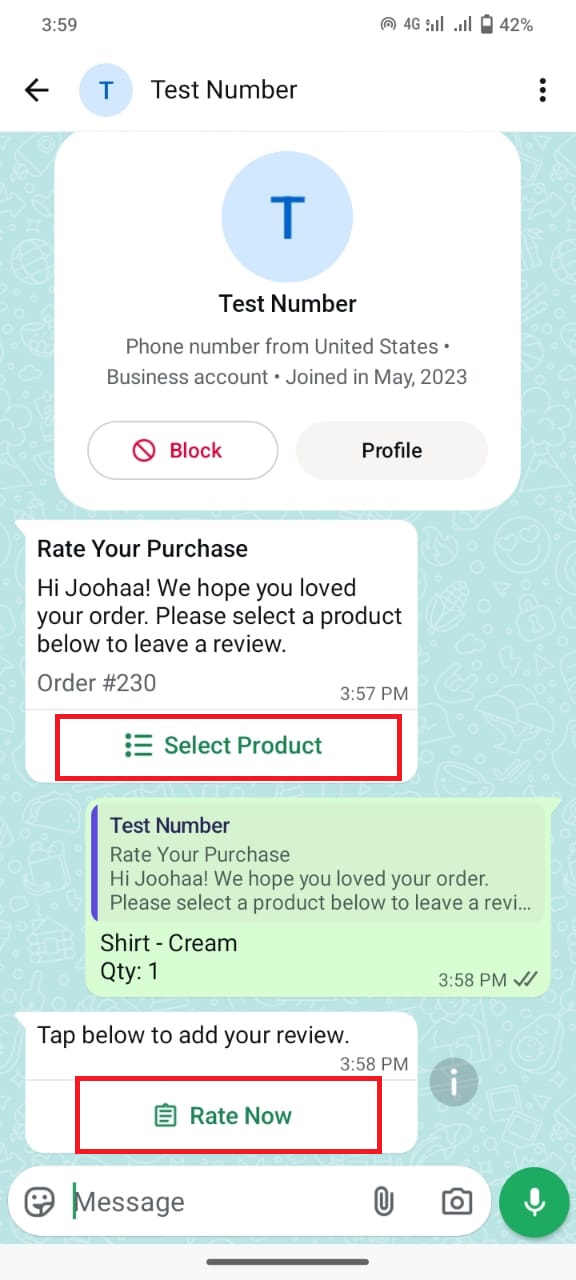
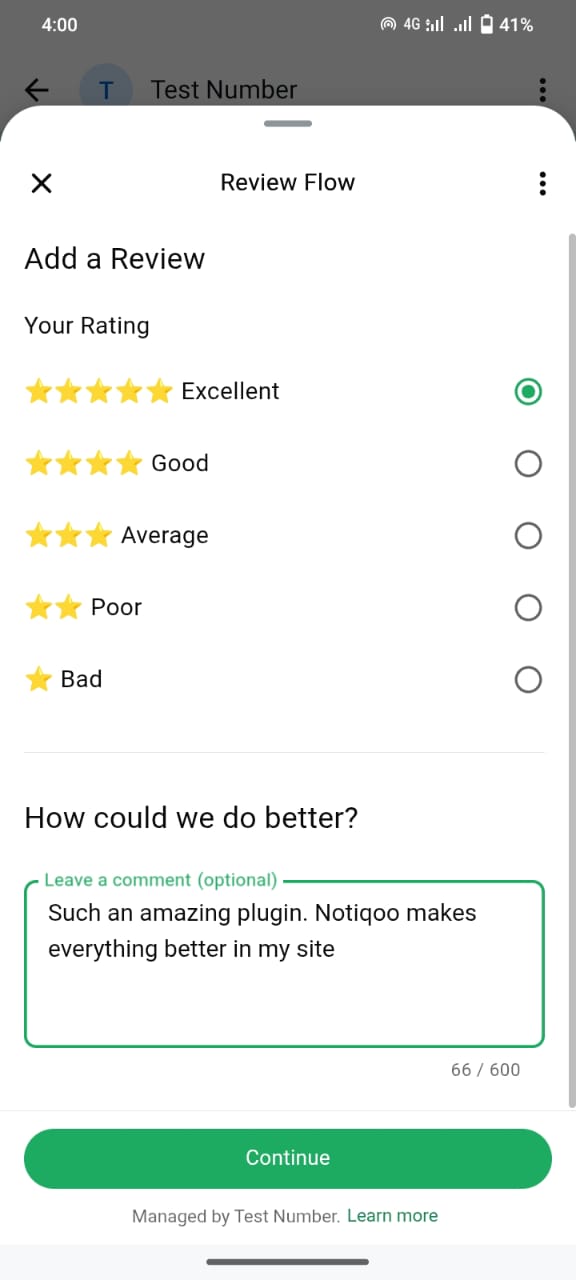
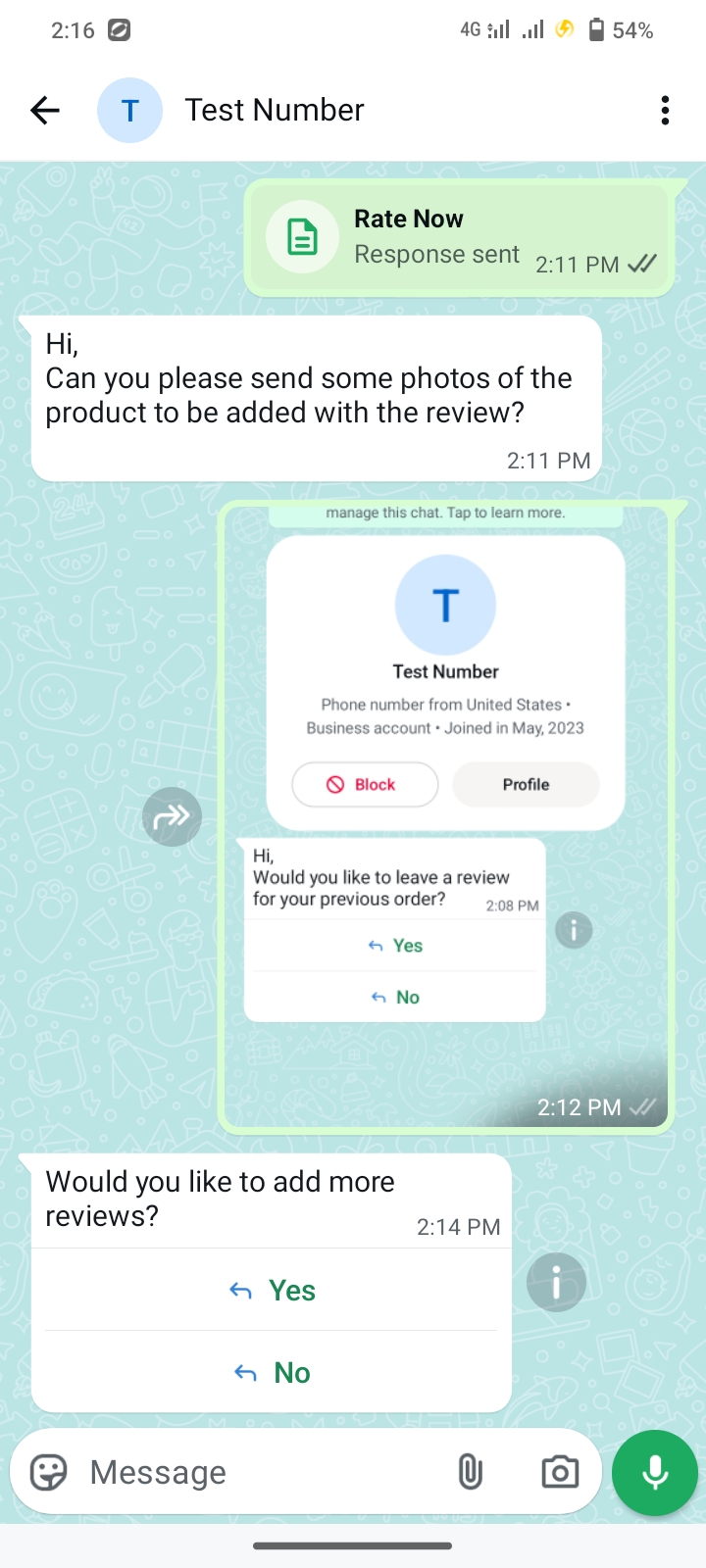
Customize WhatsApp Product Review Message Templates
If you want to change the message content or flow used for WhatsApp product reviews, you can easily do so from your Facebook (Meta) Templates page. Simply edit the existing template message body, save the changes, and the updated content will be used automatically in the review flow. No additional setup is required.